AI Agent Use Cases for CRM, Support, and Ops
Most companies do not need an autonomous digital employee. They need one stubborn workflow to stop leaking time, data, and customer trust.
The strongest enterprise AI agent use cases are rarely open-ended. They have recognizable inputs, approved systems, clear action limits, and a measurable business result. The agent coordinates those steps rather than merely generating text.
That distinction matters. An assistant may draft a reply. An agent can inspect a support case, retrieve account context, classify urgency, propose a response, update the ticket, and route an exception for approval.
When this needs an AI agent build
Move from research to an implementation conversation when a workflow meets four conditions:
- It repeats often. People follow a similar process across many tickets, accounts, documents, or decisions.
- It requires judgment between steps. Simple rules cannot reliably interpret the input or choose the next approved action.
- Its actions can be bounded. The system can operate through named tools, permissions, limits, and approval gates.
- Its outcome can be measured. You can compare handling time, error rates, conversion, backlog, or retention against a baseline.
An agent is less compelling when the real problem is missing data, an unstable process, or poor system integration. Automating confusion usually creates faster confusion.
Microsoft's organizational guidance recommends treating agents as governed applications with defined roles, access, monitoring, and lifecycle controls (Microsoft Learn). NIST is also examining how organizations can secure agent systems as their tool access and autonomy expand (NIST). The buyer lens is simple: choose the least autonomous design that achieves the result.
The highest-value business use cases
1. Support triage and resolution preparation
A support agent can classify incoming cases, identify the customer and product, retrieve relevant guidance, detect urgency, and prepare a grounded response. It can also update fields and assign the case to the correct queue.
This is often a strong first build because ticket volume is visible and outcomes are measurable. Useful metrics include first-response time, reassignment rate, backlog age, resolution time, and reviewer correction rate.
Approval boundary: Let the agent send low-risk procedural answers only after passing evaluation. Refunds, contract interpretations, safety issues, and emotionally sensitive complaints should enter a human queue.
2. CRM research and record maintenance
Sales teams lose time moving information between inboxes, meeting notes, websites, and CRM records. An agent can research an account, summarize a meeting, identify missing fields, draft follow-up tasks, and propose CRM updates.
The best design does not give the agent broad permission to rewrite the CRM. It submits field-level changes with sources and confidence indicators. Routine updates can be applied automatically; material changes remain reviewable.
Measurable outcome: Track seller administration time, incomplete records, duplicate contacts, follow-up latency, and accepted versus rejected updates.
Non-obvious lesson: CRM automation often fails because ownership is unclear, not because extraction is inaccurate. Decide which system wins when an email signature, enrichment provider, and existing account record disagree.
3. Lead research and qualification
A lead-research agent can combine form submissions, approved company data, CRM history, product-fit criteria, and prior engagement. It can produce a concise account brief, recommend a segment, and draft a personalized outreach angle.
It should not invent buying intent or silently downgrade prospects using poorly understood attributes. Keep the qualification factors visible, and let revenue operations review changes to scoring logic.
Approval boundary: Research and draft automatically. Require review before changing opportunity stages, disqualifying high-value accounts, or sending external messages.
4. Document intake and exception routing
An agent can coordinate invoice, claim, order, or onboarding-document processing. It receives a file, identifies its type, extracts required fields, validates them against business systems, and routes exceptions.
This is more than document extraction. The agent decides which approved validation step comes next. It may compare an invoice to a purchase order, request a missing tax identifier, or send a mismatch to accounts payable.
Measurable outcome: Use straight-through processing rate, correction rate, exception age, duplicate-payment prevention, and cost per processed document.
High-volume extraction may also require dedicated document-processing components. A general language model should not handle every field when deterministic validation is available.
5. Renewal and account-risk coordination
A renewal agent can watch product usage, unresolved support issues, customer sentiment, payment history, and contract dates. When a threshold is crossed, it prepares an account summary and recommends an approved next action.
The prediction and the agent are separate concerns. A risk model estimates the likelihood of churn. The agent gathers evidence, creates a task, drafts outreach, and keeps the workflow moving.
Approval boundary: The system may create internal tasks automatically. A customer-success manager should approve discounts, contract changes, executive escalation, and sensitive outreach.
6. Inventory and purchasing decisions
An operations agent can review forecasts, stock levels, supplier lead times, open orders, and service targets. It can flag shortages, simulate approved reorder options, and prepare a purchase recommendation.
This use case needs tighter limits than an internal research assistant. Order values, approved suppliers, budget codes, and segregation of duties should be enforced outside the model.
Measurable outcome: Monitor stockouts, excess inventory, planner time, expedite costs, forecast overrides, and approved recommendation value.
7. Internal knowledge and action assistants
An internal agent can answer policy or product questions, then take a limited next step. It might retrieve an approved procedure, generate a checklist, open a service request, or prepare an access request for approval.
Permission-aware retrieval is essential. The agent should not expose a document merely because it can locate it. Access checks must reflect the requesting user and the source system.
This use case becomes valuable when employees repeatedly search across fragmented systems. If the knowledge base is outdated or contradictory, fix content ownership before adding actions.
Workflow example: support case to approved action
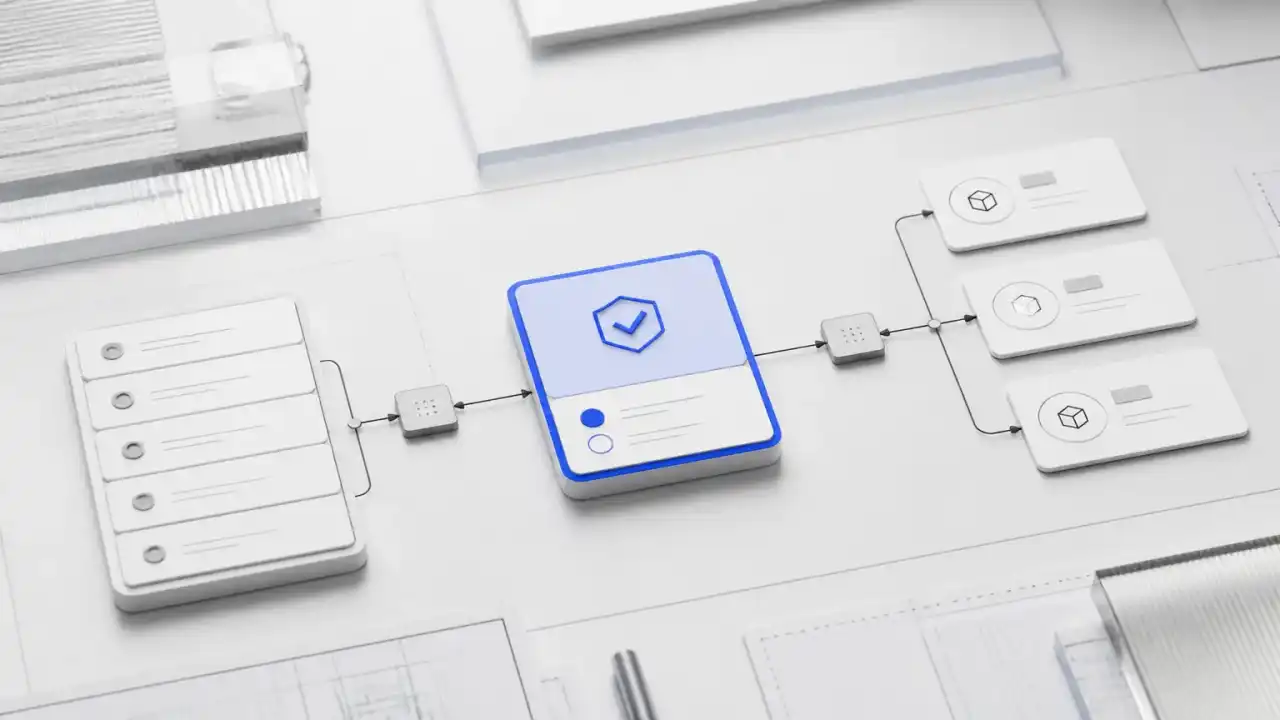
A useful build starts with one complete path rather than a general-purpose agent.
Customer message + account ID
            ↓
Identify intent, product, urgency, and language
            ↓
Retrieve permitted account facts and support guidance
            ↓
Choose: ask for information, draft an answer, or escalate
            ↓
Check policy, confidence, and restricted-action rules
            ↓
Low risk: update ticket and send
High risk: prepare evidence bundle for human approval
            ↓
Record outcome, reviewer edits, and tool activity
The inputs are the customer message, account context, product data, and approved support content. The agent can call narrow tools for retrieval, ticket updates, and routing.
A human reviews refunds, account closures, legal threats, and cases without sufficient evidence. If a tool fails, the case stays open and moves to a fallback queue. The agent must never interpret a failed update as a completed action.
The Approval Boundary

NIST's research on tool use in agent systems highlights the importance of understanding tool behavior, interfaces, and failure modes (NIST tool-use lessons). For buyers, this means testing every write action, not just the quality of the final response.
A decision framework for approval boundaries
Match approval requirements to the consequence of a wrong action.
| Action class | Example | Recommended control |
|---|---|---|
| Read and summarize | Prepare an account brief | Automatic, with permission checks |
| Draft without sending | Write a support response | Automatic, visibly marked as a draft |
| Reversible internal write | Add a CRM note | Automatic with logs and rollback |
| External communication | Send renewal outreach | Template and policy checks; review during rollout |
| Financial or contractual action | Issue credit or change terms | Human approval and amount limits |
| Safety, rights, or regulated decision | Deny service or prioritize a claim | Specialist review; keep the final decision human |
Agent identity and authorization need their own design. NIST's NCCoE concept paper addresses identity and authorization for software and AI agents (NIST NCCoE). Do not rely on a shared service account that hides which agent performed an action.
Measure the workflow, not the demo
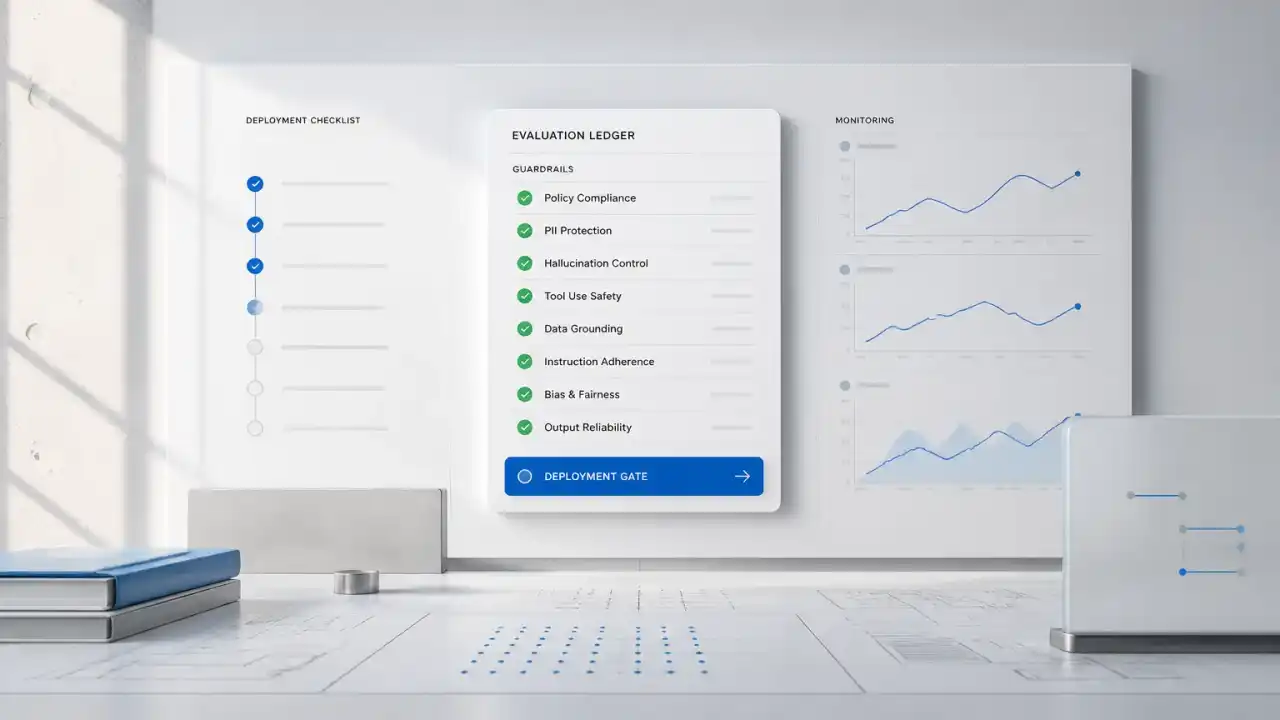
A polished answer is not the same as a successful operation. Establish a baseline before rollout and measure four layers:
- Business outcome: resolution time, conversion, retention, backlog, or processing cost.
- Decision quality: correct routing, valid recommendations, and reviewer acceptance.
- Execution reliability: tool failures, retries, duplicate actions, and incomplete records.
- Control quality: approval frequency, policy violations, permission failures, and trace coverage.
Run historical cases first. Then use shadow mode, where the agent recommends actions without executing them. Limited production access should follow only when failure paths and escalation queues work.
NIST's AI Risk Management Framework organizes risk work around govern, map, measure, and manage functions (NIST AI RMF). ISO/IEC 42001 provides a management-system standard for organizations establishing and improving AI governance (ISO/IEC 42001). In practice, this means named owners, documented limits, repeatable evaluations, and production monitoring.
Risks, limits, and when not to build
Do not build an agent yet if the team cannot agree on the current workflow or the correct outcome. The first investment should be process design.
Wait if system access is available only through shared credentials or fragile screen automation. Secure, narrow tool interfaces are a better foundation.
Avoid autonomy when errors are irreversible and review would still be required for almost every case. Retrieval, drafting, or decision support may produce most of the value with less risk.
Also reconsider the build when case volume is low and exceptions dominate. A lightweight integration or structured checklist may be cheaper to own.
Common failure modes include excessive permissions, unclear escalation ownership, unsupported model claims, duplicate writes, stale knowledge, and weak evaluation data. Each needs a control outside the prompt: scoped credentials, queue ownership, evidence requirements, idempotent tools, content stewardship, and representative test cases.
Our buyer decision rule is simple: build an agent when judgment is needed between repeatable steps, actions can be bounded, failures can be recovered, and the outcome has an accountable owner. If one condition is missing, reduce the scope or solve the prerequisite first.
What Quellix would build
For this topic, the primary service context is custom AI agent development. We would begin with one workflow, one accountable owner, and a measurable baseline.
The implementation path typically includes:
- Map inputs, decisions, systems, exceptions, and approval points.
- Define tool permissions and prohibited actions before selecting models.
- Build an evaluation set from real, de-identified workflow cases.
- Implement narrow actions, evidence capture, retries, and fallback queues.
- Run historical and shadow tests before enabling production writes.
- Roll out by action class, with an operating dashboard and named reviewers.
The first technical review should answer a concrete question: can one high-volume workflow be made useful and controllable? That is more valuable than starting with a broad mandate to deploy agents.
If the workflow depends on fragmented, permission-sensitive company information, enterprise AI search and knowledge-base implementation may be a prerequisite. Retrieval quality and access control should be solved before the agent receives broader action rights.
FAQ
Which CRM workflow is usually the safest first agent build?
CRM research, meeting summarization, and proposed field updates are usually safer than autonomous opportunity-stage changes. Start with read access and draft updates. Add controlled writes only after field-level accuracy, ownership rules, and rollback procedures are tested.
Where should human approval remain in a support agent?
Keep approval for refunds, account closures, contract interpretations, legal threats, safety concerns, and cases with weak evidence. Low-risk procedural replies can become automatic after evaluation. The approval rule should be based on consequence, not only model confidence.
Does document processing require an AI agent or a document extractor?
Use an agent when the workflow must choose among validation steps, request missing information, compare records, and route exceptions. Use a focused extractor when the task is stable field capture. Many production designs combine both: deterministic extraction for known fields and agent orchestration for exceptions.
How should an enterprise control an agent's system access?
Give the agent a distinct identity and narrow, named tools. Limit data access by user, system, action, and amount. Log every request and result, test denied actions, and provide a fallback queue. NIST's identity and authorization work is a useful reference for this design (NIST NCCoE).
What evidence is needed before enabling autonomous writes?
Use representative historical cases, shadow-mode results, reviewer corrections, tool-failure tests, permission tests, and duplicate-action checks. Define a rollback process and an owner for exceptions. A strong demo is not evidence that production writes are safe.