Human-in-the-Loop AI: Scaling Support Without Risk
Support leaders today face a compounding problem. Customers expect instant, personalized responses, but hiring enough skilled agents to meet that demand is financially impossible for most growing companies. According to Zendesk, 71% of customers expect real-time communication, yet the cost of a single human-led support interaction can exceed $15 for complex B2B issues.
The industry has responded with chatbots, but basic automation often fails the "nuance test." When an AI hallucinates a refund policy or misinterprets a frustrated VIP client, the resulting brand damage outweighs the efficiency gains.
At Quellix Labs, we advocate for a middle path: Human-in-the-loop (HITL) AI support. This approach doesn't replace your team; it uses an AI agent to handle the high-volume triage and drafting, while keeping your best people at the critical decision nodes. This is the implementation of our "review-gated execution" loop for the customer service function.
The Problem: The High Cost of Manual Triage
In a B2B support environment, agents can lose material time to administrative friction. The share varies by team and should be measured from ticket and handling data. Common examples include:
- Categorization: Reading an email to decide if it is a bug, a billing question, or a feature request.
- Context Gathering: Asking the customer for their account ID, software version, or error logs.
- Routing: Moving the ticket from the general queue to the specific engineer or account manager who can solve it.
When these steps are manual, the "Time to First Response" creeps up. When they are fully automated without oversight, the error rate spikes. IBM notes that human-in-the-loop systems are essential precisely because they combine the mathematical speed of AI with the judgmental accuracy of humans.
The Solution: Controlled Support Automation
To build a support agent that actually works, we move beyond simple keyword matching. We use a multi-step workflow designed to process information like a human would, but at machine speed.
1. Reason: Intent and Sentiment Analysis
The AI agent reads the incoming ticket. It doesn't just look for keywords like "billing." It reasons about the intent. Is the customer angry? Is this a high-value account? Is the issue a known regression from the latest product release?
2. Act: The Cited Knowledge Loop
Instead of making up an answer, the agent performs a search across your internal documentation, previous Jira tickets, and Confluence pages. This is where our Enterprise AI Search & Knowledge Base service integrates. The agent drafts a response that includes citations, ensuring every claim it makes is grounded in your actual data.
3. Verify: The Human-in-the-Loop
This is the most critical stage. For low-stakes issues (e.g., "How do I reset my password?"), the AI might respond directly. For high-stakes issues (e.g., "I want to cancel my $50k contract"), the AI prepares the draft, gathers all necessary account data, and flags it for a human manager. The human reviews, edits if necessary, and hits "send."
Implementation Workflow: From Intake to Resolution
Let's look at a concrete workflow for a B2B SaaS company handling technical integration support. This workflow uses our AI Document Processing & Data Extraction capabilities to handle incoming technical logs.
The Input: A customer sends an email: "Our API integration is failing with a 500 error on the /checkout endpoint. Attached is the log file."
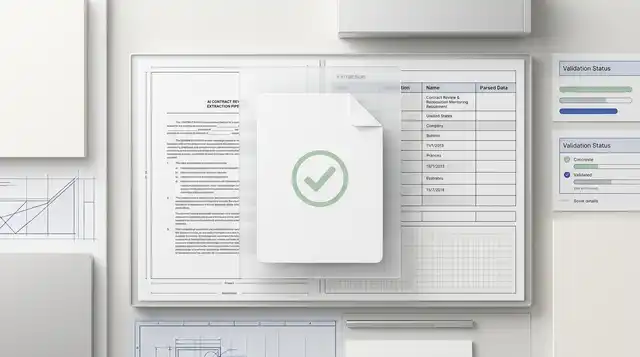
System Action 1 (Extraction): The AI extracts the specific error codes and timestamps from the attached log file using a specialized extraction-to-review pipeline.
System Action 2 (Reasoning): The AI checks the status page and recent deployment logs. It identifies that a patch was pushed 2 hours ago that affected the checkout service.
System Action 3 (Drafting): The AI drafts a response: "Hi Sarah, I see the 500 error you're experiencing. Our engineering team identified a bug in today's patch (v2.1.4) affecting the /checkout endpoint. They are working on a fix now. In the meantime, you can roll back to v2.1.3 to restore functionality."
The Human Approval Point: This draft is not sent automatically. It appears in the support agent's dashboard with a "High Priority" badge. The agent sees the draft, verifies that the rollback advice is correct for this specific client, and clicks "Approve & Send."
Illustrative outcome: The system assembles the status, deployment context, and response draft before the agent reviews it. Measure the actual handling-time change during a controlled pilot instead of assuming a fixed improvement.
The Architecture of Escalation
Effective AI support requires a clear "hand-off" protocol. If the AI cannot find a high-confidence answer in the knowledge base, or if the sentiment analysis detects extreme frustration, the system must trigger an immediate escalation.
Microsoft's design patterns for AI suggest that the UI must make it clear to the human operator why the AI is escalating. We build dashboards that provide "Reasoning Traces," showing the agent exactly which documents the AI looked at before it decided it couldn't solve the problem.
Trade-offs: Latency vs. Accuracy
When deciding whether to build a human-in-the-loop system, you must weigh the trade-offs.
- Total Automation: Zero latency, low cost, but high risk of "hallucination" and brand misalignment.
- Manual Support: High latency, high cost, but maximum accuracy and empathy.
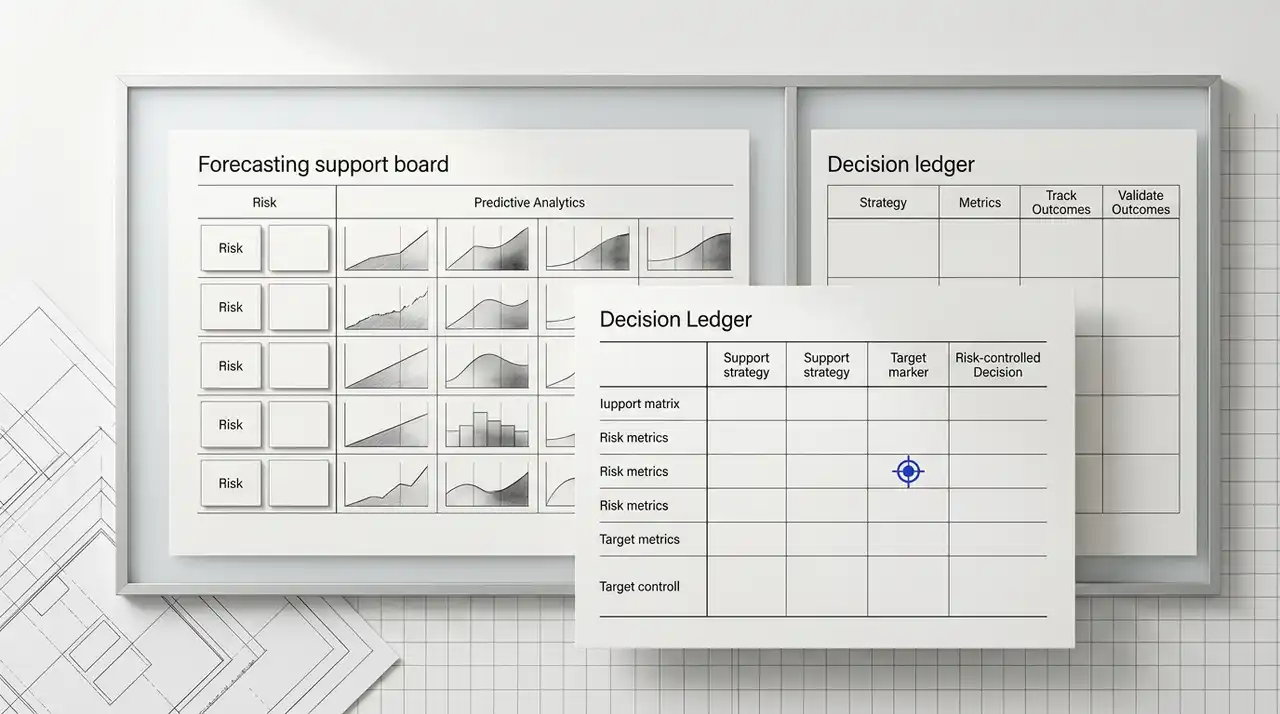
- HITL (The Middle Path): Moderate latency (requires a human to click a button), moderate cost, but maximum reliability.
For many B2B companies, the risk of a wrong answer to a major client is too high to justify full automation. The goal is to remove repeatable preparation work while keeping people responsible for sensitive replies and escalations; the resulting capacity change must be measured in the live queue.
Risks and When to Wait
AI support is not a silver bullet. There are specific scenarios where you should wait to automate or keep the process entirely manual.
1. The "Uncanny Valley" of Empathy
If your brand relies on a highly specific, quirky, or deeply empathetic voice, AI drafts may feel "off." If your customers are in high-stress industries (e.g., healthcare or crisis management), an AI-generated response, even if accurate, can feel dismissive. In these cases, use AI for internal research only, not for drafting the final message.
2. Poor Internal Documentation
An AI agent is only as good as the data it can access. If your internal knowledge base is outdated, fragmented, or stored in unsearchable formats, the AI will draft incorrect responses. You should first invest in a Knowledge Retrieval Architecture before trying to build an external-facing support agent.
3. PII and Security Constraints
If your support tickets frequently contain highly sensitive PII (Personally Identifiable Information) or trade secrets that cannot be processed by third-party LLMs, you need a specialized, self-hosted deployment. Without a Permission-Aware RAG setup, you risk leaking sensitive data between customer accounts.
The Decision Framework: Is It Worth Building?
To determine if an AI support agent is the right investment for your team, ask three questions:
- Is 60% of our volume repetitive? If your team is answering the same 20 questions every day, automation will yield immediate ROI.
- Is our data structured enough to be searched? If your solutions are buried in the heads of senior engineers and not in a wiki, the AI will have nothing to "Reason" with.
- What is the cost of a mistake? If a wrong answer results in a minor inconvenience, automate more. If it results in a lawsuit or a lost six-figure contract, keep the human in the loop for the final verification.
Building the Reliable Support Agent
At Quellix Labs, we don't just build chatbots; we build reliable operating systems for your support team. This involves setting up the Durable Execution frameworks that ensure a ticket is never dropped, even if the AI service experiences a momentary outage.
We focus on the "review-gated execution" loop to ensure that every AI action is logged, audited, and approved. This turns support from a cost center into a competitive advantage-allowing you to respond with the speed of a machine and the judgment of your best employee.
If you are ready to evaluate how an agentic workflow could reduce your ticket backlog, the first step is a technical audit of your existing ticket data to identify the high-ROI patterns for automation.
Related Reading
- The ROI of Reliability: A Practical Framework for Evaluating AI Agent Performance
- Durable Execution: The Architecture of AI Agents That Actually Finish the Job
- Permission-Aware RAG: Building Private Enterprise AI Search for Regulated Teams
- Designing Governance into AI Workflows: Approval Points and Fallback Paths