The problem agents solve, and the one they create
A lot of operating work is not one decision but a chain of small steps: read a ticket, look up the account, check a policy, draft a reply, update the CRM, route the exception. The work keeps bouncing between inboxes, spreadsheets, CRMs and approvals, and people spend their day carrying context from one tool to the next.
Once software can send messages, change records or issue credits, the hard engineering is no longer the model.
A chatbot answers questions. An agent moves the work: it uses approved tools, prepares updates and routes the task, and it pauses when a person needs to decide. That difference is the reason to build one, and also the source of most of the risk. Once software can send messages, change records or issue credits, the hard engineering is no longer the model. It is permissions, task state, retries, approvals and a record of what happened.
The useful question is therefore not "can a model do this task?" but "can we define what the agent may do, where it must stop, and who owns the step when it does?" If those answers are clear, an agent can take the routine steps and leave the judgment to people. If they are not, the agent will either do too little to matter or too much to trust. For the distinction in more depth, read AI agent vs chatbot.
How to decide, including when not to build
Start with the simplest thing that meets the need. Many requests that arrive as "we need an agent" are better served by a rule in the existing helpdesk or CRM, or by a search tool that answers with citations. An agent earns its place when the work needs interpretation and tool coordination together.
Build when
- The task runs across several systems and needs interpretation at one or more steps: classifying a request, reading a document, drafting a reply.
- Most cases are routine, but the exceptions need human judgment, so routing and handoff matter as much as automation.
- You can name the allowed tools, the forbidden actions, the approval points and the stop conditions before building.
- Each step has an owner who will review, approve or take over when the agent pauses.
- You can collect real examples, including messy and missing-data cases, to test against before launch.
Don't build when
- The task is stable and rules-based. Existing CRM or helpdesk automation is cheaper to run and easier to audit.
- People only need answers, not actions. A cited knowledge search is the better build; see the Enterprise Knowledge & RAG guide.
- The decision has to happen in milliseconds, or no review, rollback or owner handoff can be defined for it.
- Nobody can say which actions are off-limits. Without that boundary there is nothing to test or enforce.
Options, simplest first
A deterministic workflow first
Use rules for the predictable steps and put a model only at the interpretation or drafting step where it adds value.
A bounded tool-using agent
Connect approved APIs or MCP tools with narrow permissions, durable task state, timeouts, retry limits and an inspectable action history.
Multiple agents only when useful
Separate research, drafting and review when the roles make evaluation or maintenance easier. Every extra agent adds coordination and failure points.
Reference architecture for a production agent
Every agent we would put in front of a business system has the same eight parts, whatever the model or framework. The order below follows a single task from trigger to handoff.
- 01Trigger and entry point
- 02Scoped context
- 03Planner and model routing
- 04Tool layer with strict schemas
- 05Durable task state
- 06Approval gates
- 07Step-level observability
- 08Handoff and fallback
Trigger and entry point
A clear event starts the task: a new ticket, an inbox request, a missing-field alert, or a chat or voice message that should lead to a controlled action.
Scoped context
The agent receives only the data needed for the current user, role and task. In a multi-tenant product, scoping happens before retrieval, so the agent cannot see another customer's records.
Planner and model routing
The model interprets the request and plans a short sequence of allowed steps. Routine steps can go to a smaller model when testing shows the quality holds; see routing before switching models.
Tool layer with strict schemas
Each action, such as placing an order, issuing a refund or updating a status, goes through a tool with narrow permissions and a strict output schema. Malformed outputs are dropped before they reach the system of record.
Durable task state
Task state is persisted outside the model call, with timeouts, retry limits and a receipt from the target system for every side effect. An interrupted task can resume without repeating an action. Durable execution covers this in detail.
Approval gates
Sensitive actions stop for an owner: sending an external message, changing a record, promising a refund. The gate shows the evidence and the proposed action together, so the reviewer can decide quickly.
Step-level observability
Every step records inputs, tool calls, outputs, approvals and errors, so a team can replay what happened. See step-level logging for agentic systems.
Handoff and fallback
When a step fails or confidence is low, the agent produces a visible handoff with the context, what it tried and the open question, instead of silently continuing.
Quellix calls this operating pattern the Reviewed Action Loop: a clear task, allowed tools, approval points, retry limits and handoff notes, so the work stays visible to the people who own the process.
Common failure modes
Most agent failures are ordinary distributed-systems failures with a model in the loop. They are predictable, which means they can be tested before launch.
Duplicate side effects after a timeout
A tool call times out, the agent retries, and the customer receives a second credit. Fix it with idempotency keys and by checking the target system's receipt before any retry.
Lost state across pauses
A task waits hours for an approval and resumes without the context it gathered. Persist the session and task state outside the model; see durable session layers.
Tool permissions wider than the task
An agent that can write to any CRM field will eventually write to the wrong one. Grant each tool the narrowest scope the task needs.
Instructions arriving through data
Tickets, emails and retrieved documents can contain text that reads like instructions. Treat tool output as data, and test forbidden actions and prompt-injection resistance explicitly.
Off-policy commitments
A friendly reply that promises a refund or a delivery date nobody approved. Check answers and actions against policy rules before they leave the system.
Silent failure
The agent stops, loops or gives up, and nobody notices until a customer does. Step-level logs, alerts and a defined handoff turn this into a visible queue item.
Approval fatigue
If every step needs sign-off, reviewers start approving without reading. Put gates at the actions that carry risk and let low-risk steps run with logging.
Coordination overhead
Splitting work across many agents can make a simple task harder to trace. Add agents only when separate roles improve testing or maintenance.
Cost and effort drivers
Agent cost is mostly integration and control work, not model calls. These are the factors that move a scope up or down.
Integration surface
Lower effortDocumented APIsHigher effortBrowser tasks or a legacy system behind middlewareClean, documented APIs are the cheapest path. Browser tasks and legacy systems often need a middleware layer that wraps the old system and syncs data both ways.
Action risk
Lower effortRead-only or draft-onlyHigher effortWrites, external messages, financial actionsRead-only and draft-only agents are quicker to ship. Each writeback, external message or financial action adds approval design, validation rules and tests.
Recovery requirements
Lower effortShort tasks that finish in one runHigher effortLong tasks that pause for approvalsLong-running tasks that pause for approvals or depend on slow systems need durable state, idempotent tools and resume tests.
Evaluation data
Lower effortExamples already collectedHigher effortExamples gathered and checked from scratchCollecting real examples, edge cases and the correct outcome for each takes time from the people who know the work. It is also what makes launch decisions defensible.
Model calls per task
Lower effortFew steps, short contextHigher effortMany steps, large contextSteps per task multiplied by context size sets the running cost. Model routing, caching and shorter context reduce it; measure it as cost per accepted outcome, not per call.
Operating after launch
Lower effortStable tools and policiesHigher effortFrequent tool, policy or model changesMonitoring, tuning and maintenance are scoped where the engagement needs them, because tools, policies and models change after release.
Quellix scopes this work in three steps: a free AI Fit Review of the workflow, a focused working POC for qualified opportunities, then production delivery against agreed milestones and acceptance criteria. See how we work and pricing.
Service and case studies
ServiceAI Agent Development ServicesHow Quellix scopes, builds and hands over this kind of system.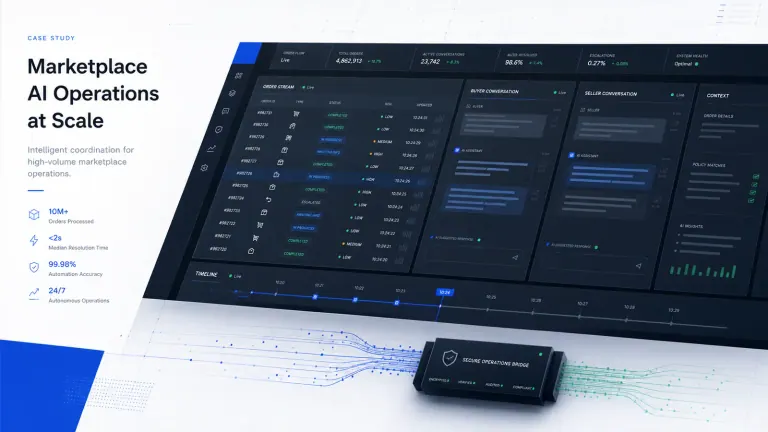 Case studyAI agents for a two-sided marketplaceA buyer agent and a seller agent in front of an existing CRM, with schema-gated actions, permission-scoped retrieval and human review for high-risk actions.
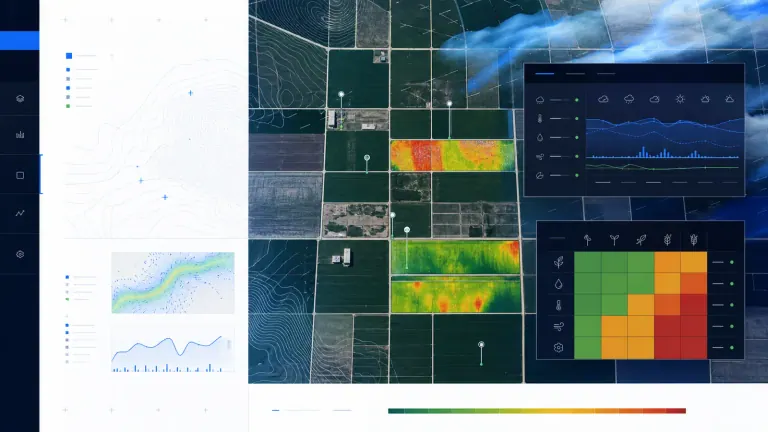 Case studyA morning briefing run by AI agentsTwo specialised agents turn overnight sales data into forecasts and distributor priorities, with every distributor decision recorded so executives can trace the evidence behind it.
The case studies show workflow and review design. They do not establish a universal completion rate or authorize unrestricted autonomous actions.
Start here
The articles below go deeper on the parts of this guide that teams ask about most, in a sensible reading order.
- Durable Execution for AI Agents: When a Tool Times OutWhat safe recovery looks like when an agent times out after a side effect.
- Step-Level Logging for Agentic AI SystemsStep-level logs and traces that show what an agent actually did.
- Building AI Agents: What B2B Teams Should AutomateA decision framework for choosing which B2B work to automate.
- AI Agents: Workflows, Approvals, and GuardrailsWhere autonomy creates value, where controls belong, and when not to build.
- AI Agent vs Chatbot: Choosing the Right BuildHow to tell whether the workflow needs an agent or a chatbot.
- Evaluate AI Agents by ROI, Reliability, and RiskMeasuring agents by outcomes, failure modes, approvals and operating cost.
- Durable Session Layer for AI AgentsKeeping agent state across retries, pauses, approvals and handoffs.
- Human-in-the-Loop AI: Scaling Support Without RiskSupport triage that keeps people in control of critical escalations.
Every AI Agents & Orchestration article
All 19 published field notes in this cluster, newest first.
 Open Agent Standards Put Portability on the Build Plan
Anthropic and OpenAI contributions may improve agent portability, but buyers still need workflow-level controls for approvals, tools, and fallbacks.
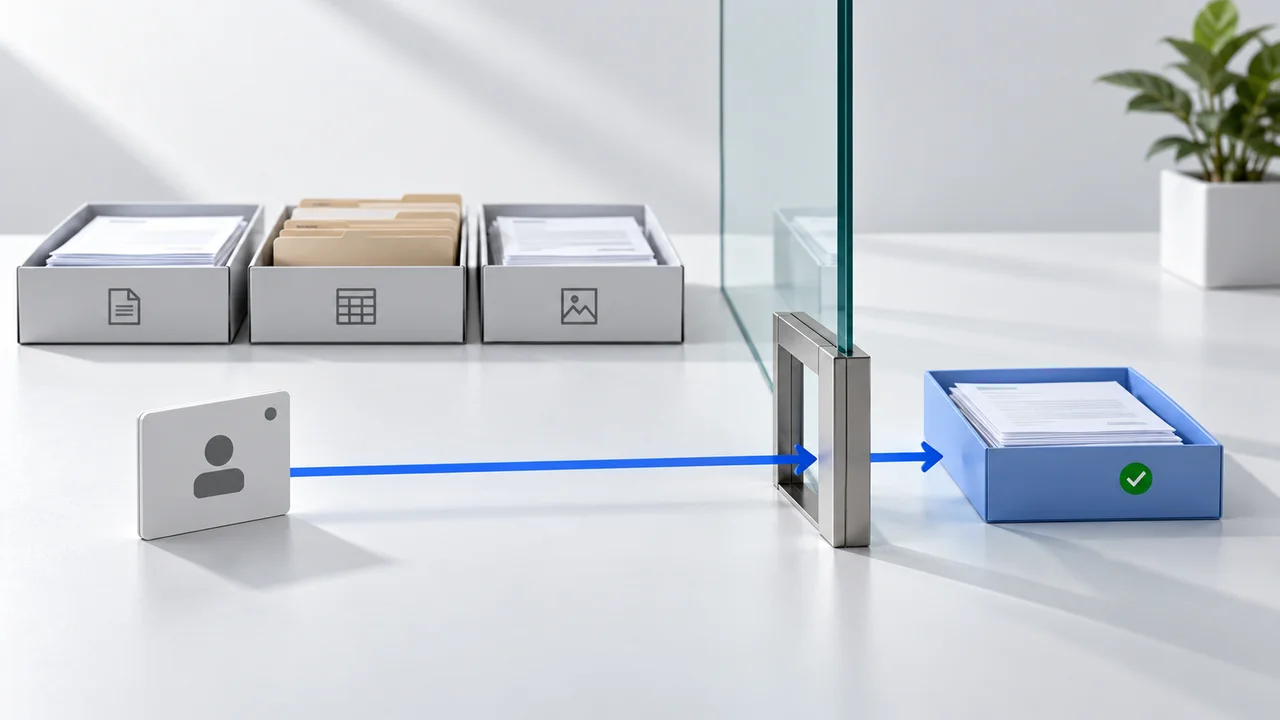 Gemini Agent: The Controls Your Integrations Still Need
Google introduced Gemini Agent on October 8. Here is how to scope evidence access, business writes, approvals, and recovery in a practical integration.
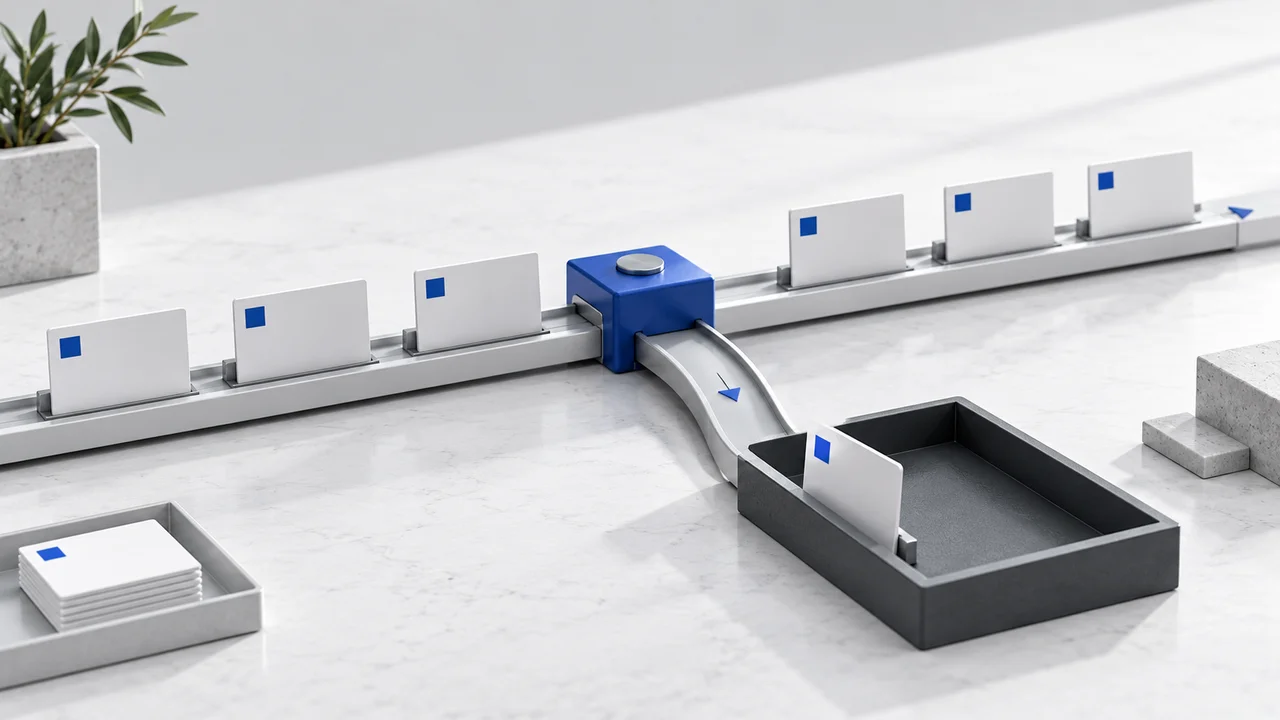 Claude Haiku 5.5: Route Work Before Switching Models
Haiku 5.5 gives teams a new small-model candidate. Evaluate routing, migration, escalation, and cost per accepted outcome before switching.
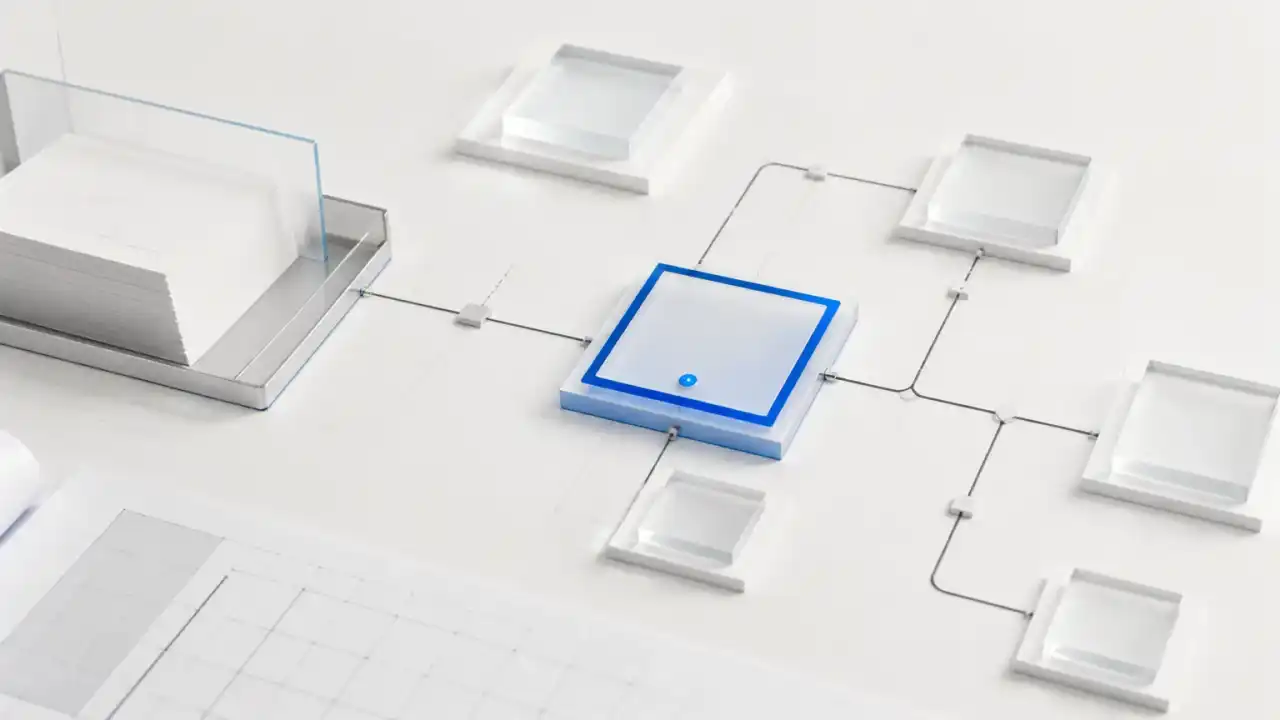 AI Support Agents: Triage, Actions, and Escalation
Enterprise AI agents can triage support, retrieve approved answers, update CRM records, and escalate risky cases with human oversight.
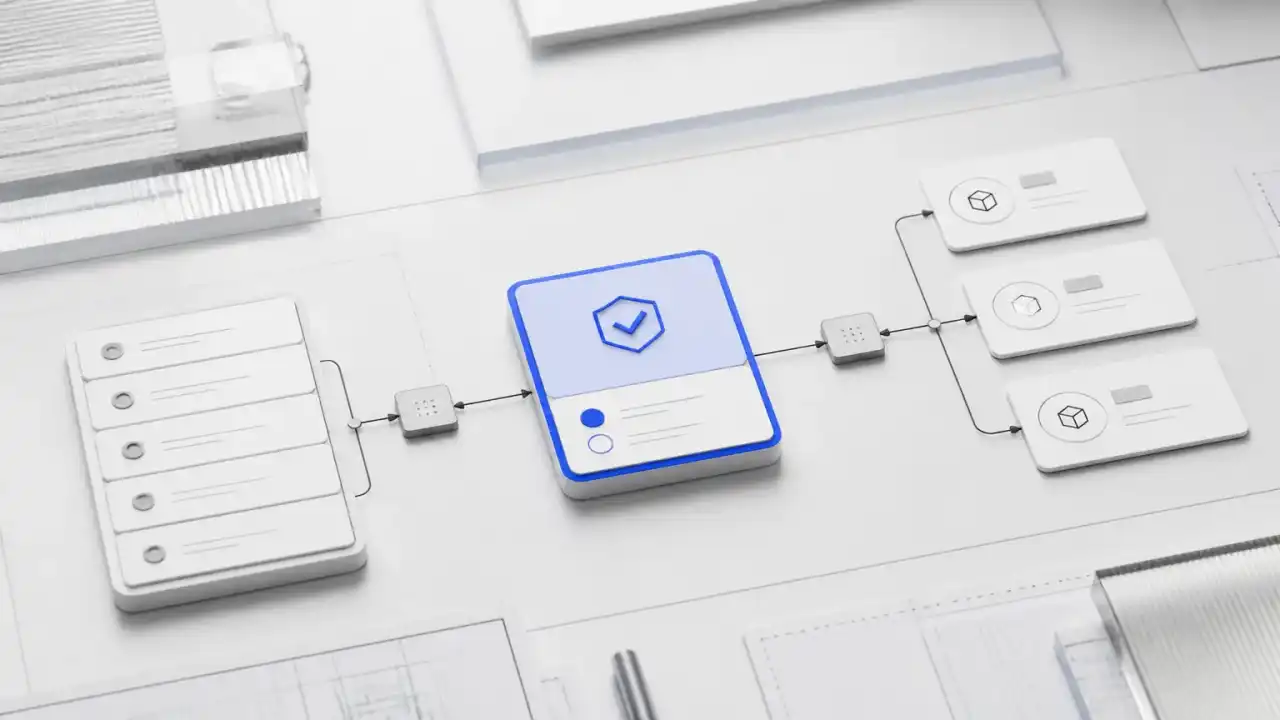 AI Agent Use Cases for CRM, Support, and Ops
See which CRM, support, document, and operations workflows justify enterprise AI agents-and where human approval must remain.
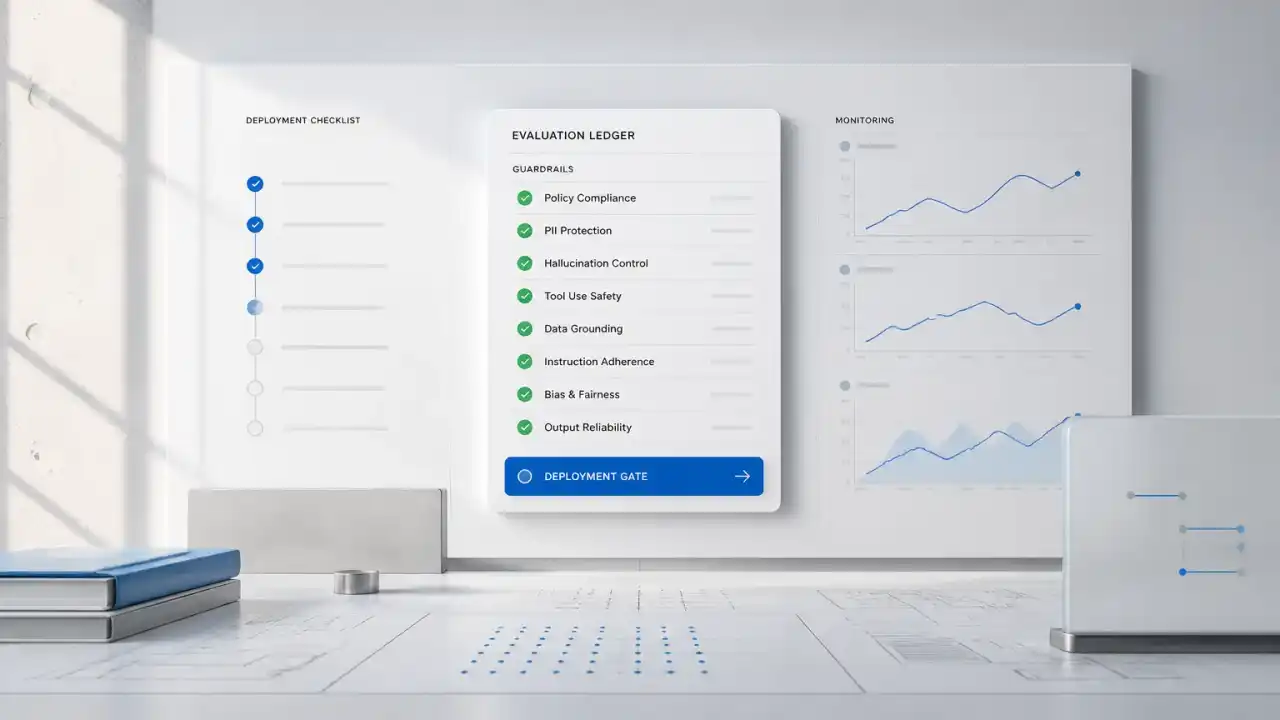 AI Agents: Workflows, Approvals, and Guardrails
AI agents coordinate CRM, documents, and approvals. See where autonomy creates value, where controls belong, and when not to build.
 EU Transparency Guidance Changes Customer AI Workflows
New EU guidance makes disclosure, handoffs, and evidence trails a design issue for customer-facing AI workflows.
 GPT-5.6 Model Routing for Approval Workflows
GPT-5.6 makes model routing a workflow decision: set cost, approval, and fallback paths before agents touch customer systems.
 AI Agent vs Chatbot: Choosing the Right Build
Learn the critical differences between AI agents and chatbots to decide which automation path drives the highest ROI for your business.
 Grok 4.5 for Enterprise AI Agents
Use Grok 4.5 where agent workflows need tool use, approvals, source trails, and measurable operating controls.
 Human-in-the-Loop AI: Scaling Support Without Risk
Build reliable AI support systems that triage complex tickets while keeping humans in control of critical customer escalations and brand voice.
 Building AI Agents: What B2B Teams Should Automate
Use a B2B decision framework to choose AI agent workflows, define approval gates, and keep unsuitable work under human control.
 How to Choose an AI Agent Development Company
Compare AI agent development partners by workflow fit, integration depth, reliability controls, and measurable ROI.
 AI Sales Agents for CRM Workflow Automation
AI sales agents can research accounts, update CRM records, recommend next steps, and route uncertain actions for human approval.
 Durable Session Layer for AI Agents
Design durable session layers that preserve AI chat state across retries, pauses, approvals, and handoffs.
 Evaluate AI Agents by ROI, Reliability, and Risk
Measure AI agent performance with business outcomes, failure modes, approval paths, and operating cost.
 Reliable AI Sales Agents: A Build Decision Guide
Decide when AI sales agents should research, update CRM, draft follow-ups, or stop for human review.
 Durable Execution for AI Agents: When a Tool Times Out
When an AI agent times out after issuing a credit, safe recovery depends on approval checks and a receipt from the billing system.
 Step-Level Logging for Agentic AI Systems
Use step-level logs and traces to evaluate agentic AI behavior, catch failures, and prove what happened.
Browse by category: AI Agents & Orchestration
Have a workflow that keeps bouncing between tools?
Bring one workflow, the systems it touches and the step where a person has to decide. An engineer will map whether it needs an agent, a rule or neither.